
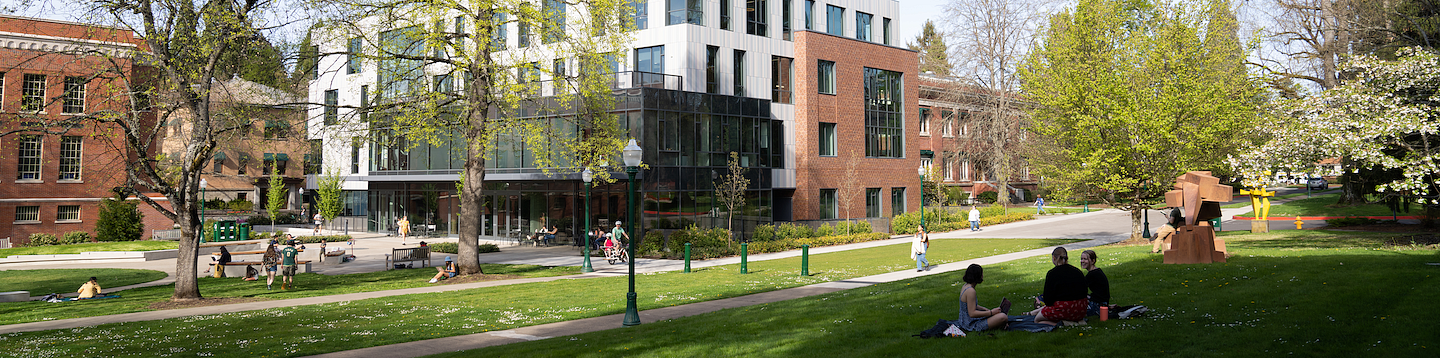
If you are an undergraduate student with a College of Arts and Sciences (CAS) major or minor, Tykeson Hall is your advising home. CAS Advisors are here to help undergraduate CAS students from IntroDUCKtion to graduation. When and how to access advising can vary:
How to Connect with an Advisor
Advisors are available in-person or virtually (Microsoft Teams, Zoom, or phone). Depending on the question or time of term, you can connect with an advisor either in Scheduled Appointments or Same-Day Drop-In.
*For better readability, try turning your phone horizontally to read the info in the chart below.
Appointments | VS. | Drop-in |
|---|---|---|
30-minutes | Length | 15-minutes |
Available in-person and virtually (Microsoft Teams, Zoom, or phone) | Mode | Available in-person and virtually (Microsoft Teams or phone) |
| Topics |
|
Year-round, including summer terms and breaks, with the exception of UO-observed holidays Monday-Friday, 8:30am-4:30pm PT Reduced appointment availability during week 1, 8, and 9 (registration) | When | Weeks 1 through finals week During registration (weeks 8-9) students are prioritized based on registration time to support students with timely decision making. Please plan to come the day before or day of your registration time. |
Petitions (must be scheduled through the front desk) | Special Cases | If you don’t see an appointment, come to drop-in! |